Finding the best mouse for your computer in 2026 is more crucial than ever whether you are a dedicated gamer balancing life and leisure or a professional seeking peak productivity. This comprehensive guide cuts through the clutter of new tech and marketing hype to deliver practical, actionable advice tailored for the modern US gamer. We understand that your gaming time is precious, often squeezed between work, family, and other commitments, which means every peripheral choice needs to count. From understanding advanced sensor technology and ergonomic designs to wireless vs wired debates and budgeting for upgrades, we cover everything you need to make an informed decision. This resource is designed to optimize your setup, enhance your gameplay, and ensure you get maximum value and enjoyment from your investment, helping you unwind, build skills, and connect with friends online without a hitch. Discover how to pick the perfect mouse that truly elevates your digital experience, supporting your passion for gaming and daily tasks alike.
Q1: What's the absolute best all-around gaming mouse for PC in 2026?
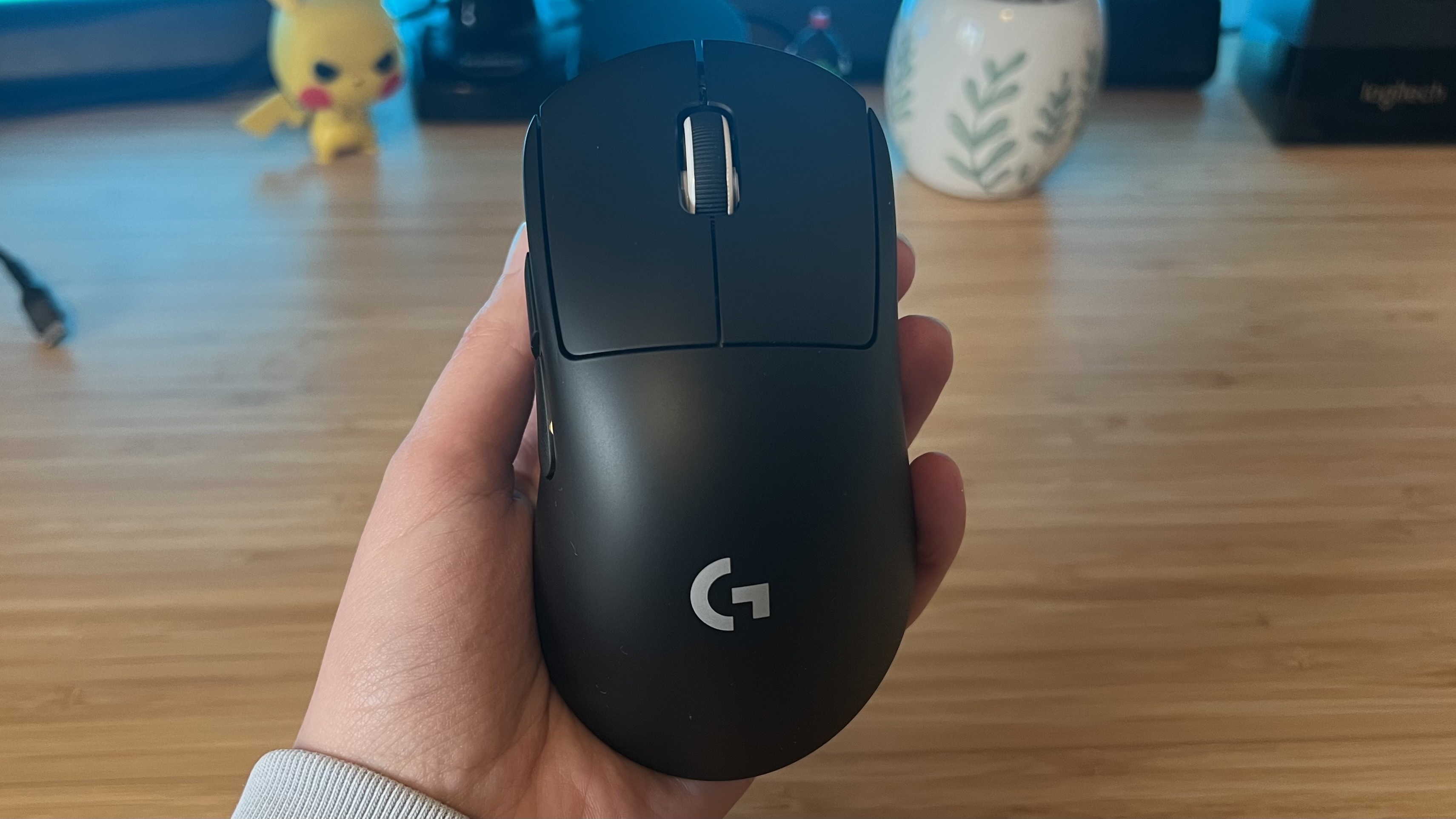
A1: For a balanced experience in 2026, many gamers find the Logitech G Pro X Superlight 2 or the Razer DeathAdder V3 Pro to be top contenders. They offer exceptional sensor accuracy, ultra-light designs crucial for fast-paced games, and reliable wireless connectivity. These mice cater to a broad range of grip styles and game genres, making them fantastic choices for competitive play and everyday use alike. While premium, their performance justifies the investment for serious players.
Q2: How do I know if a wireless mouse will have input lag for gaming?
A2: Modern wireless gaming mice, especially from reputable brands like Logitech, Razer, and SteelSeries, have virtually eliminated perceptible input lag. They use proprietary 2.4GHz wireless technologies, such as Logitech's LIGHTSPEED or Razer's HyperSpeed, which offer latency equal to or even better than many wired mice. Look for independent reviews and benchmarks that specifically test latency, but generally, if a mouse is advertised for esports, lag won't be an issue.
Q3: What DPI settings should I use for different game genres like FPS or RPGs?
A3: There's no single "best" DPI, as it's highly personal. For FPS games, lower DPI (400-800) combined with lower in-game sensitivity is often preferred for precision aiming. For RPGs or strategy games, a higher DPI (1200-2400) might feel more comfortable for navigating menus and larger screen real estate. The key is finding a sensitivity that allows for accurate tracking without overshooting targets. Experimentation and finding what feels natural for your arm movements are crucial.
Q4: My hand cramps after long gaming sessions. What mouse features can help?
A4: Hand cramps are often a sign of poor ergonomics. Look for mice with shapes designed for comfort, considering your grip style (palm, claw, fingertip). Ambidextrous mice might work for some, but many prefer right-handed ergonomic designs that offer thumb rests and contouring. Heavier mice can sometimes contribute to fatigue, so a lighter model might also help. Brands like Zowie, Glorious, and specific models from Razer and Logitech offer excellent ergonomic options.
Q5: Is it worth spending more than 100 on a gaming mouse?
A5: For a dedicated gamer who spends considerable time on their PC, spending over 100 on a gaming mouse can absolutely be worth it. Premium mice offer superior sensors, lighter builds, faster wireless tech, better switches, and often more robust software for customization. These features translate to a more comfortable, precise, and responsive experience that can genuinely improve gameplay and reduce fatigue, especially for competitive titles. It's an investment in your primary input device.
Q6: How important is mouse weight, and should I go for ultra-light?
A6: Mouse weight is incredibly important for many gamers, especially in competitive titles. Lighter mice (under 80g, often under 60g) allow for faster, less fatiguing movements and quicker flick shots. This can be a significant advantage in games like Valorant or CS:GO. However, some players prefer a slightly heavier mouse for more stability or a feeling of control. Ultra-light is a trend driven by esports, but personal preference and grip style ultimately dictate what's best for you.
Q7: Can a good mouse really help me balance my gaming and work life better?
A7: Absolutely! A versatile, high-performance mouse can seamlessly transition between your intense gaming sessions and productive work tasks. Features like programmable buttons can be customized for both game macros and productivity shortcuts. Excellent ergonomics reduce strain during long hours, whether you are battling foes or crunching spreadsheets. Many modern mice also offer multi-device connectivity, allowing you to switch between your work laptop and gaming PC with ease, streamlining your setup and saving precious time.
Hey fellow gamers! If you're anything like me, your gaming sessions are precious. Whether it's unwinding after a long day, connecting with your squad on Discord, or chasing that elusive rank, every minute counts. But let's be real: nothing kills the vibe faster than a subpar mouse that skips, cramps your hand, or just doesn't feel right. We're all balancing jobs, families, and life's endless demands, and our gear needs to keep up.
Did you know that 87% of US gamers play regularly, often clocking in 10+ hours a week? That's a significant chunk of time, and your primary input device, the mouse, plays a huge role in both your performance and comfort. For many of us, gaming isn't just about blowing off steam; it's about skill-building, social interaction, and finding genuine enjoyment. This guide is dedicated to helping you find the best mouse for computer use, specifically tailored for gamers who value performance, comfort, and value for money without falling for all the hype. We'll cut through the noise and get you straight to what matters.
What Makes the Best Mouse for Computer Gaming Different from a Regular Mouse?
While any mouse can move a cursor, a gaming mouse is engineered for precision, speed, and durability far beyond a standard office peripheral. The core difference lies in the sensor, which is often an advanced optical sensor capable of higher DPI (dots per inch) and IPS (inches per second) tracking without acceleration or prediction. This means every tiny movement translates accurately on screen, crucial for those split-second aiming adjustments in an FPS.
Beyond the sensor, gaming mice boast higher polling rates (how often the mouse reports its position to the computer, often 1000Hz or even 8000Hz), ensuring minimal input lag. They also feature more robust, often tactile switches rated for millions of clicks, ergonomic designs optimized for various grip styles, and programmable buttons for in-game macros or productivity shortcuts. These aren't just fancy add-ons; they're essential tools for competitive play and an overall smoother, more responsive user experience.
Wired vs. Wireless: Which is the Best Mouse for Computer Performance in 2026?
The debate between wired and wireless used to be clear-cut: wired for performance, wireless for convenience. Not anymore! In 2026, premium wireless gaming mice have virtually eradicated input lag thanks to advanced 2.4GHz proprietary technologies like Logitech's LIGHTSPEED or Razer's HyperSpeed. These systems often outperform some budget wired mice in terms of latency, providing an unrestricted glide with no cable drag.
However, wired mice still offer a few advantages: no battery worries, typically a lower price point for comparable performance, and zero chance of wireless interference. For busy gamers, a quality wireless mouse offers unparalleled freedom, especially for those who move their setup or prefer a clutter-free desk. Just remember to keep it charged! Given current trends, where mobile gaming dominates but PC gaming holds its competitive edge, the freedom of wireless is highly valued, particularly by those who might switch between devices or simply appreciate a cleaner aesthetic.
How Does DPI and Polling Rate Affect My Gaming and Productivity?
DPI, or dots per inch, dictates how far your cursor moves on screen for every inch you move your mouse. A higher DPI means less physical movement for the same cursor travel. Polling rate, measured in Hz, signifies how many times per second your mouse reports its position to your computer. A 1000Hz polling rate means it reports 1000 times per second, or every 1 millisecond.
For gaming, especially in fast-paced shooters, a lower DPI (400-800) combined with lower in-game sensitivity is often preferred. This allows for more precise, micro-adjustments using larger arm movements, reducing jitter and improving accuracy. For productivity or strategy games, a higher DPI (1200-2400) can be beneficial, letting you traverse large monitors quickly. A high polling rate is always desirable as it reduces input lag, making your actions feel instant. Most quality gaming mice allow on-the-fly DPI adjustments, so you can tailor it to your specific game or task without diving into software settings.
What Ergonomics Should I Look For in a Computer Mouse?
Ergonomics are paramount, especially if you're spending hours gaming or working. Ignoring comfort can lead to fatigue, wrist pain, or even conditions like carpal tunnel. The best ergonomic mouse for you depends primarily on your hand size and grip style. There are three main grip styles:
- Palm Grip: Your entire palm rests on the mouse, with fingers flat. This is common for larger mice.
- Claw Grip: Your palm rests on the back of the mouse, but fingers are arched like a claw.
- Fingertip Grip: Only your fingertips touch the mouse, allowing for maximum wrist and finger movement. This usually suits lighter, smaller mice.
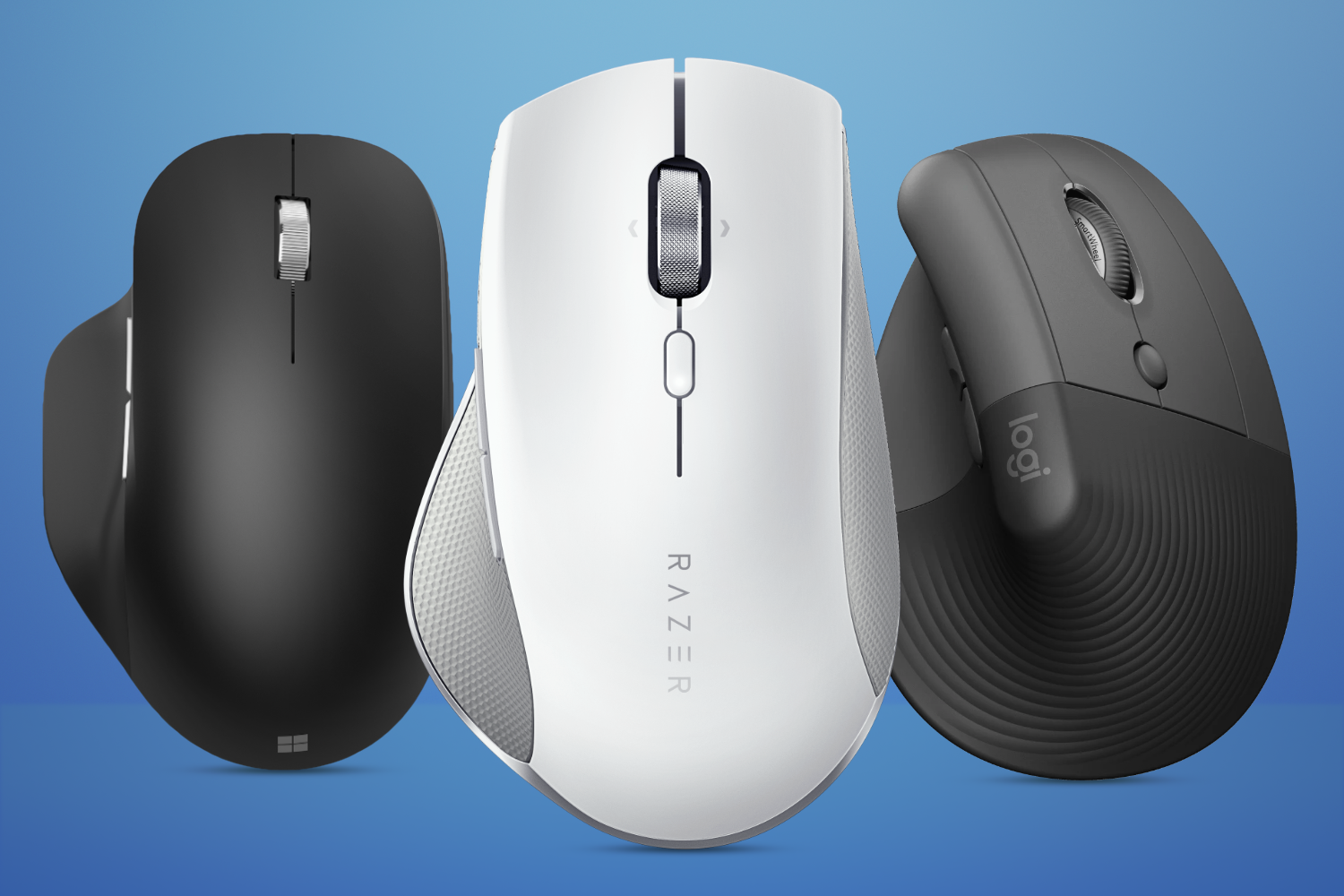
Look for a mouse shape that naturally conforms to your hand. Ambidextrous designs offer versatility, but many gamers find dedicated right-handed ergonomic shapes with sculpted thumb rests and finger grooves provide superior comfort and support for long sessions. Weight also plays a role; lighter mice reduce strain over time, especially for repetitive lifting and repositioning.
How Do I Choose the Right Sensor for My Gaming Style and Budget?
The sensor is the heart of any gaming mouse. In 2026, most quality gaming mice use optical sensors, which are generally preferred over laser for their consistent tracking across various surfaces and lack of inherent acceleration. High-end sensors, like those from the PixArt 3370 series or proprietary advancements by Logitech and Razer, offer flawless 1:1 tracking, high maximum IPS (how fast you can move the mouse before it loses tracking), and low LOD (lift-off distance).
For competitive gamers, a flawless sensor is non-negotiable, even if it means a slightly higher budget. For casual gamers or those on a tighter budget, a PixArt 3325 or similar mid-range sensor often provides excellent performance that's more than sufficient. Always check reviews for sensor performance, focusing on consistency and tracking accuracy, not just raw DPI numbers.
Are Programmable Buttons Really Necessary for the Average Gamer?
Programmable buttons, often found on the side or top of a gaming mouse, can be a game-changer for efficiency and comfort. While not strictly
Optimal Sensor Performance DPI Polling Rate Ergonomic Design Comfort Wireless Freedom Wired Reliability Programmable Buttons Customization Software Durability Build Quality Weight Balance Grip Styles Hand Size Compatibility Multi Genre Versatility Budget Friendly Options Premium Gaming Mice Productivity Enhancements Long Battery Life RGB Lighting Aesthetics Mouse Pad Synergy
35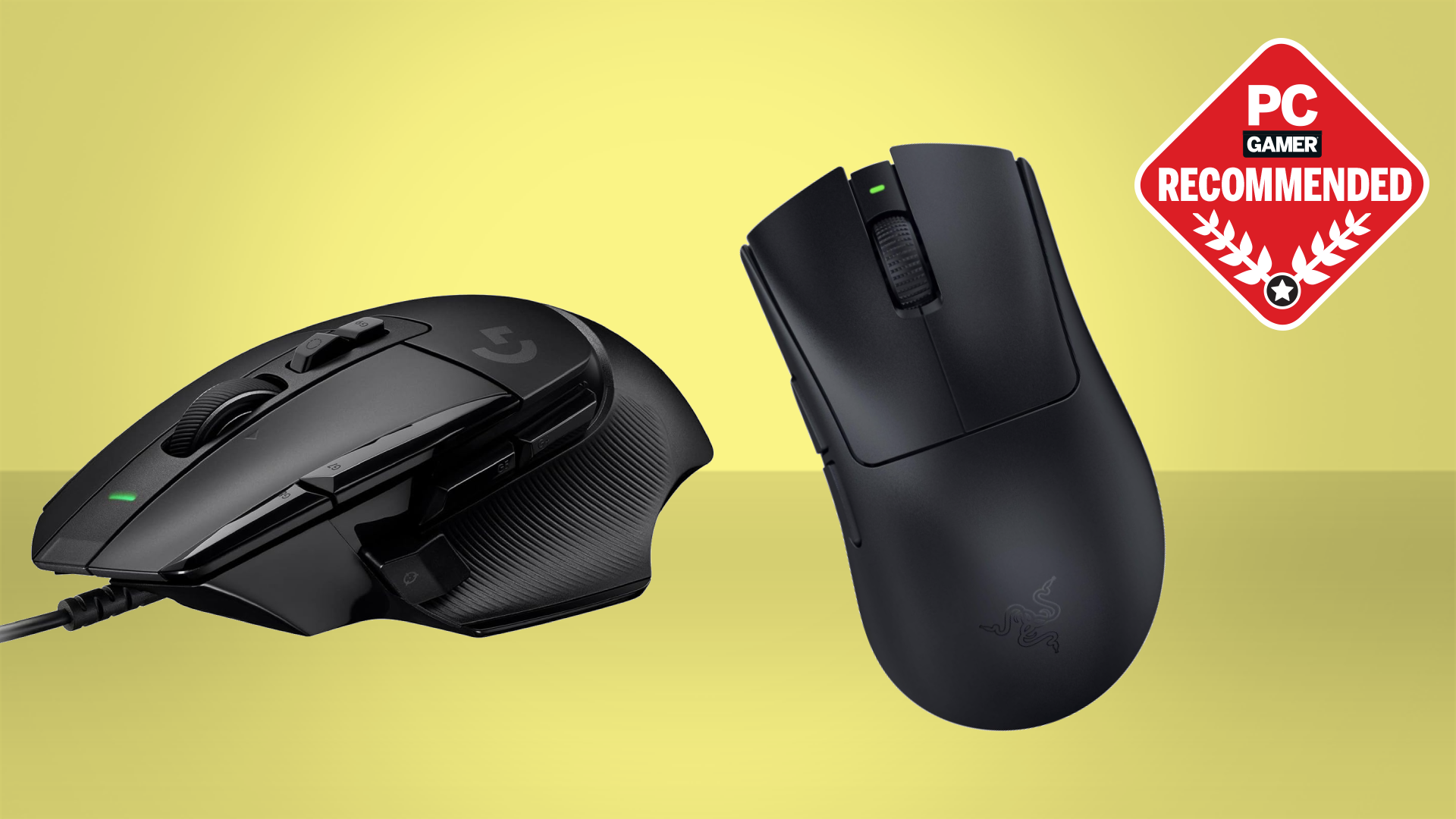


Best Gaming Mouse In 2026 We Ve Tested The Very Best Mice And These . The Best Computer Mice We Ve Tested For 2026 World Of Software 16.fit Lim.size . Best Gaming Mouse 2026 Best Gaming Mouse . I Can T Wait To Try This World First Gaming Mouse For One Big Reason Stuff Best Wireless Mice Lead . The Best Razer Laptops In 2026 GamesRadar


2026 GAMES GG Best Gaming Mouse To Buy In 2026 47043110a9 . The 2 Best Logitech Gaming Mice Of 2026 Top Gaming Mice 2025 . Best Wireless Mouse 2026 The Only 6 You Should Consider YouTube . Best Mouse In 2026 The Best Mice For Gaming Ergonomics And More 2560 80 . The 5 Best Gaming Mice Of 2026 Reviews By Wirecutter BEST GAMING MOUSE 2048px 5467 2x1 1

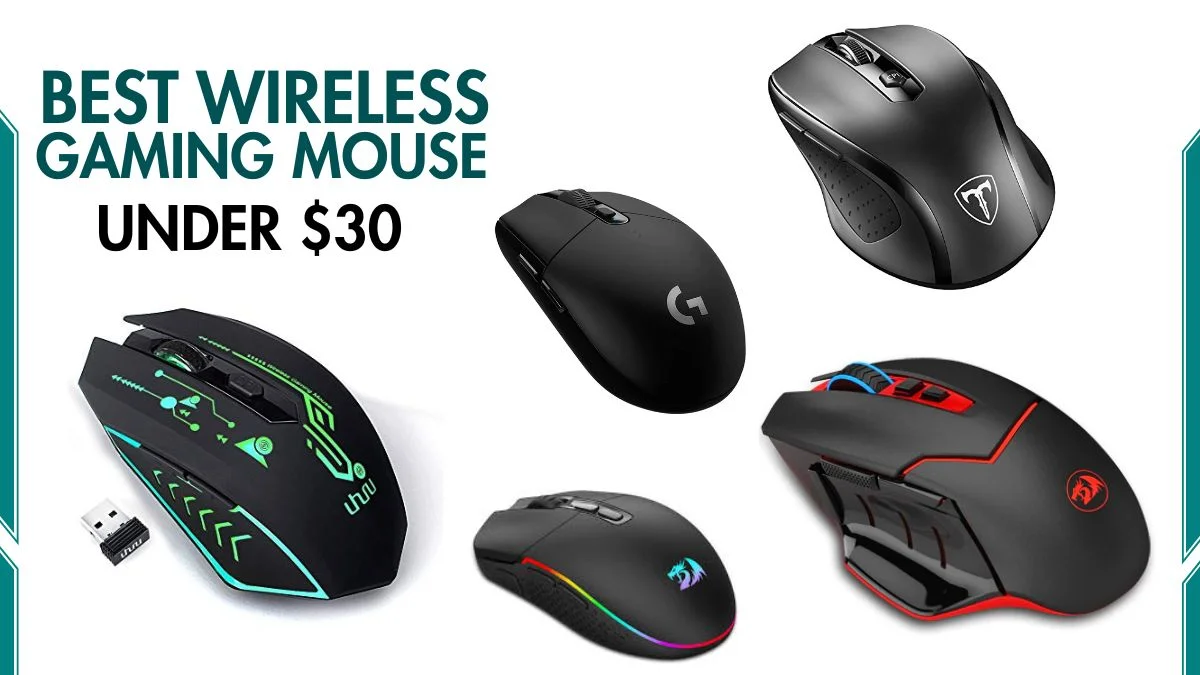

Best Wireless Mice 2026 12 Top Models Tested And Reviewed Best Wireless Mice . The 3 Best Gaming Mice Of 2026 Precision Performance The 3 Best Gaming Mice Of 2026 . Best Computer Mice Of 2026 Tried And Tested CNN Underscored Best Computer Mouse Master . Best Wireless Gaming Mouse Under 30 2026 Tested Ranked Best Wireless Gaming Mouse Under 30 2026 Tested Ranked.webp. MELOGAGA Wireless Gaming Mouse Bluetooth Mouse RGB 2 4G AC SL1500



Best Gaming Mouse April 2026 5 Tested R Gaming PC Guru Wired Vs Wireless Gaming Mouse 800x500 . 7 Best Computer Mice For 2026 To Boost Top Mice 2026 Zz5lt . The Best Computer Mice For 2026 The Best Ergonomic Mice For 2026 Zmu1.640 . Best Laser Cutters And Engravers 2026 Diode CO2 And Fiber Tom S . Best Gaming Mouse April 2026 5 Tested R Gaming PC Guru Finalmouse Ulx Review 800x500
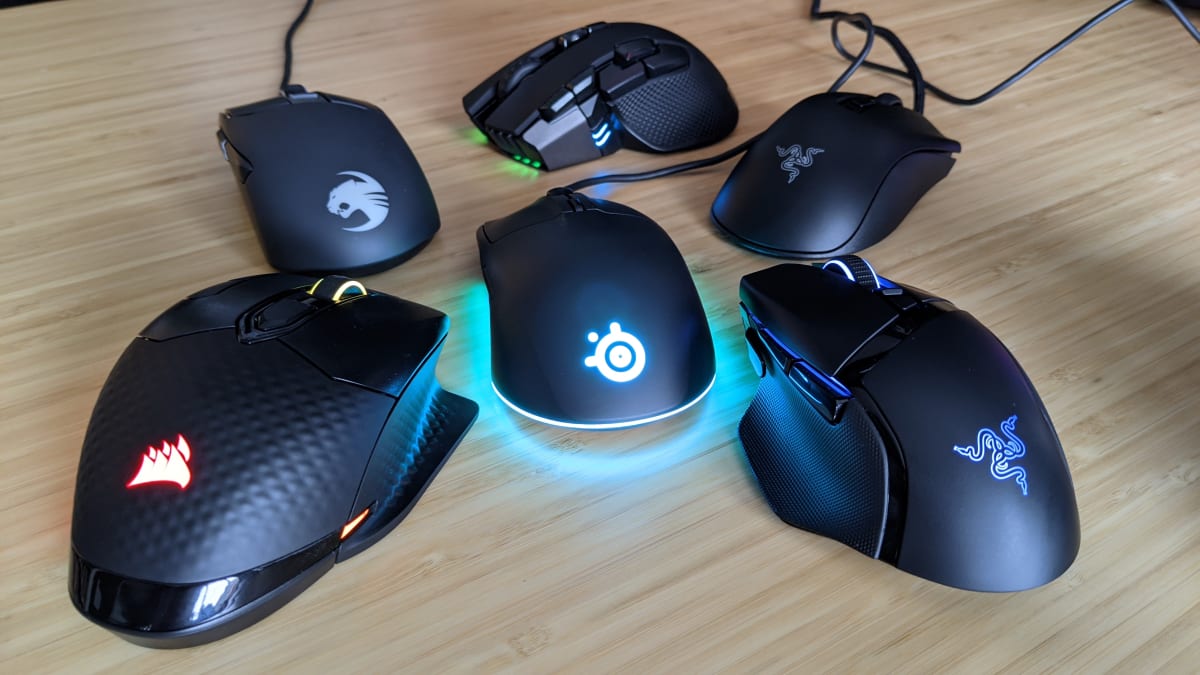
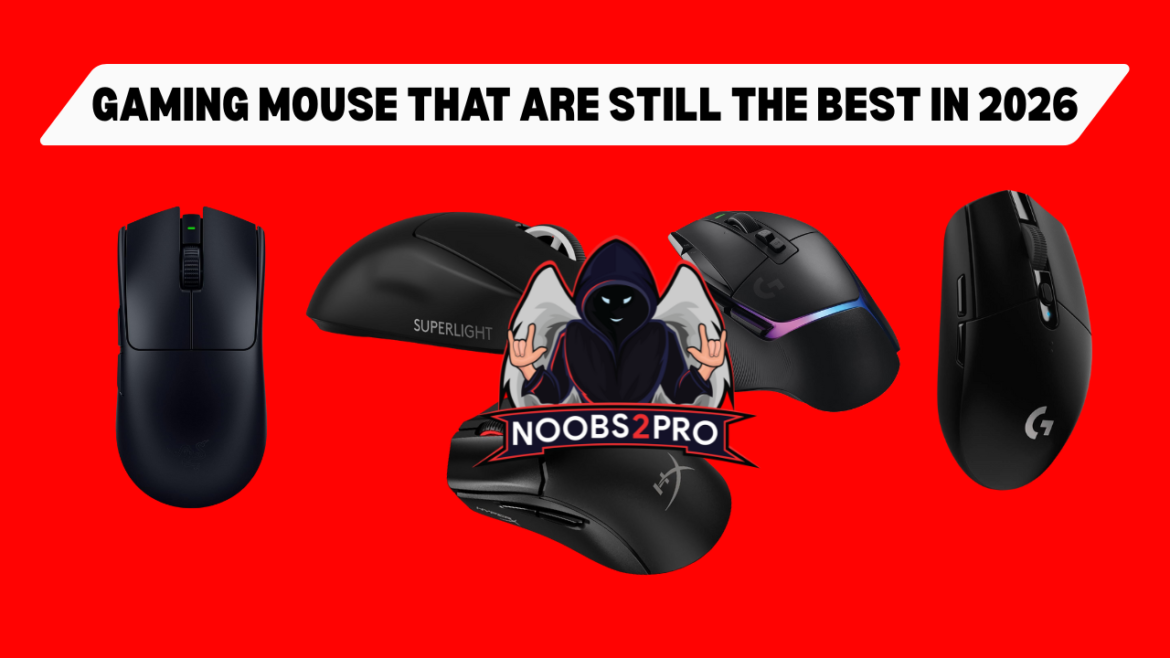
9 Best Gaming Mice Of 2026 Reviewed Best Gaming Mice . Gaming Mouse That Are Still The Best In 2026 Noobs2Pro Gaming Mouse That Are Still The Best In 2026 1170x658 . Best Computer Mouse Of 2026 See Our Expert Top Picks Best Computer Mouse 1 . Best Gaming Mouse Under 25 In March 2026 Budget Champions Tested Best Gaming Mice . Best Computer Mice 2023 Top Wireless And Wired Models Reviewed The Best Wired And Wireless Mice Indybest Copy



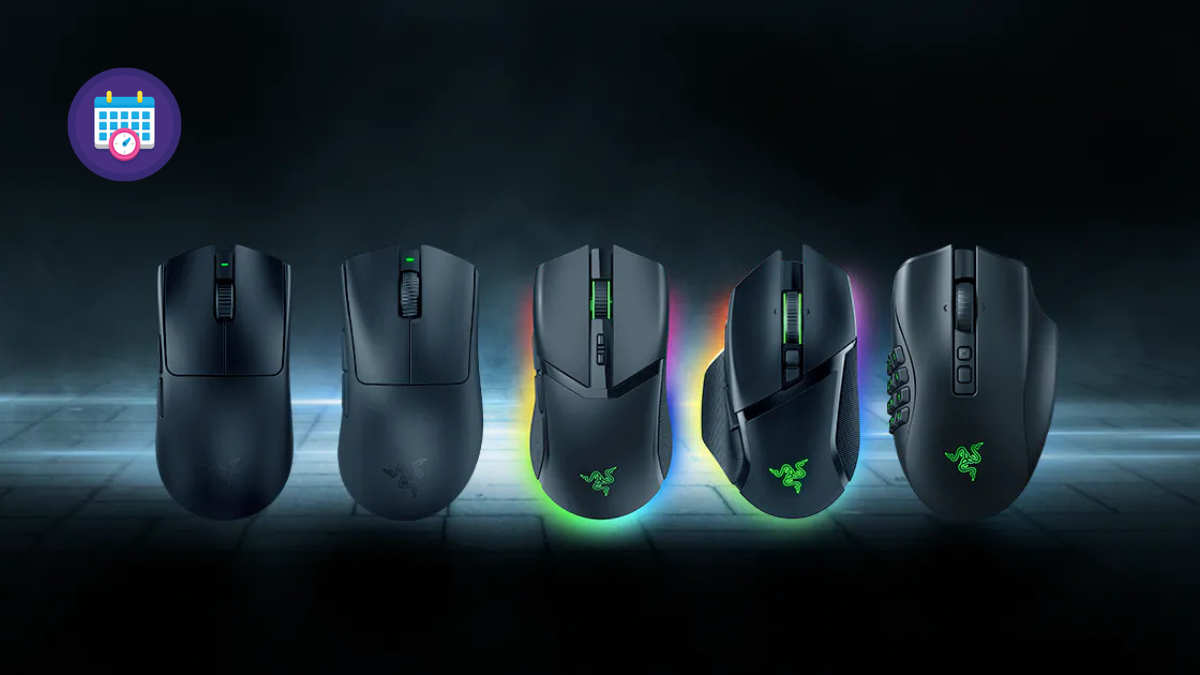
5 Best Mouse Pads That You Can Buy In India Right Now March 2026 Best Computer Mouse You Can Buy Right Now . The Best Mouse 2025 Top Computer Mice For Work And Play TechRadar . BEST Wireless Gaming Mouse Of 2026 HERE S What You Should Buy At . Top Lightweight Gaming Mice 2026 Best Lightweight Gaming Mouse 2026 Banner.webp. Razer Mouse UK 2026 Guide Top Gaming Mice Features Untitled Design 30

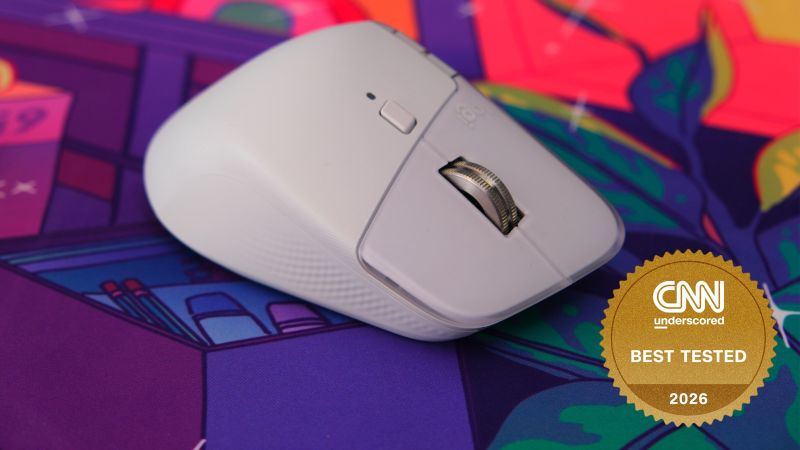
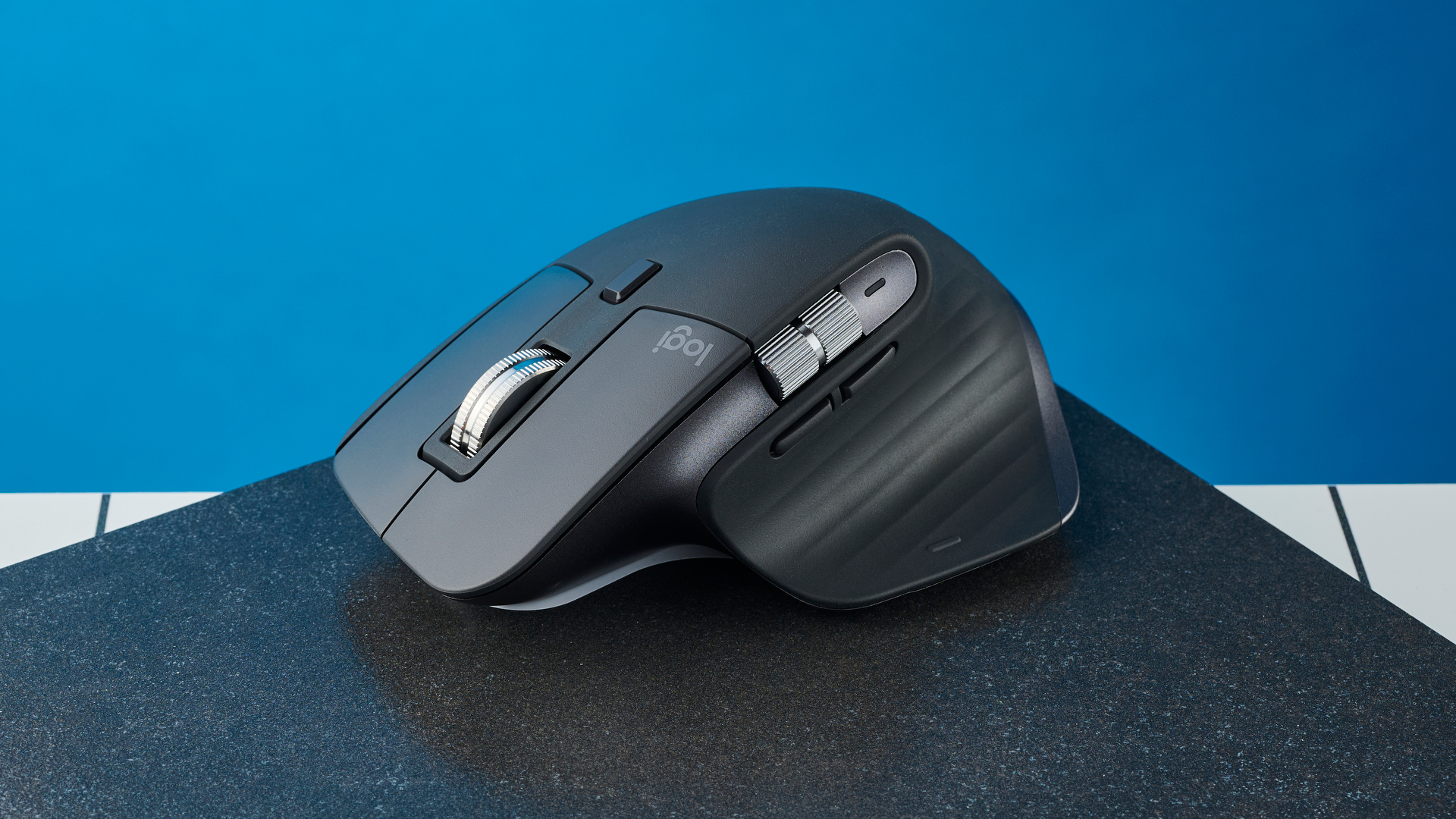

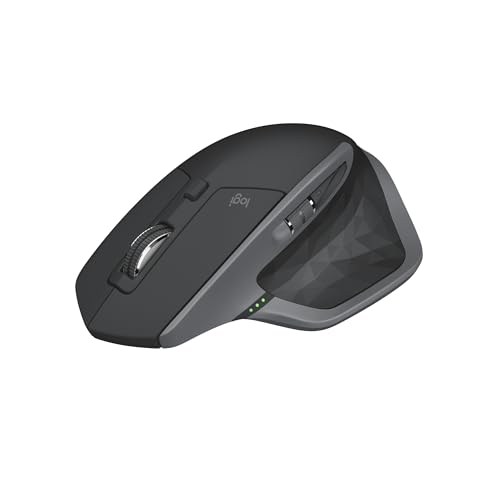
Best Wireless Gaming Mouse In 2026 7 Picks For Smooth Gaming WHICH IS THE BEST WIRELESS GAMING MOUSE 768x430 . Dell XPS 14 2026 Hands On Preorders Features Specs And More CNN Mx Master 4 Best Tested Badge Best Computer Mouse . Coolest Mouse On Laptop Best PC Gaming Mice 2025 Reviews And Buying . Best High Performance Mouse In 2026 Gaming PC Guru Best High Performance Mouse Hero . Best Computer Mice Of 2026 Tried And Tested CNN Underscored 31vm Fti2al Sl500